Is PDF-to-Markdown Conversion Private? What Leaves Your iPhone
Understand what leaves your iPhone during PDF-to-Markdown conversion, what stays local, and which documents should not be uploaded.
Try CleanMD: PDF to Markdown on iPhone
Import a PDF, scan, screenshot, or document image, then preview clean Markdown before you export it.
Before you convert a PDF, scan, screenshot, or document image into Markdown, it is worth asking one practical question: where does the file go during conversion?
That question matters because document conversion often requires parsing the file, reading the layout, and turning visual structure into text. Some apps do this entirely on device. Others use a server-side parsing service.
CleanMD is intentionally clear about this boundary. When you choose to convert a selected file, the app uploads it to a third-party document processing service. That makes the workflow useful, but it also means you should choose documents with care.
What CleanMD Is For
CleanMD is meant for everyday documents that you want to turn into reusable Markdown: non-sensitive PDFs, handouts, scans, screenshots, document photos, and similar files.
The app is useful when you need cleaner text for notes, writing, research cleanup, or AI workflows. It is not a promise that every document should be uploaded or converted.
If a document contains sensitive personal, legal, medical, financial, workplace, or confidential information, pause before uploading it.
What Happens When You Convert
The basic workflow is simple. You choose a file from Files or Photos, confirm that you want to convert it, and CleanMD sends the selected file for parsing.
After conversion, you can preview the Markdown result and decide whether to copy, save, or share it.
The important detail is consent and selection. Files are uploaded when you choose to convert them; the app is not meant to silently scan your library or turn every document into cloud content.
What Stays on the iPhone
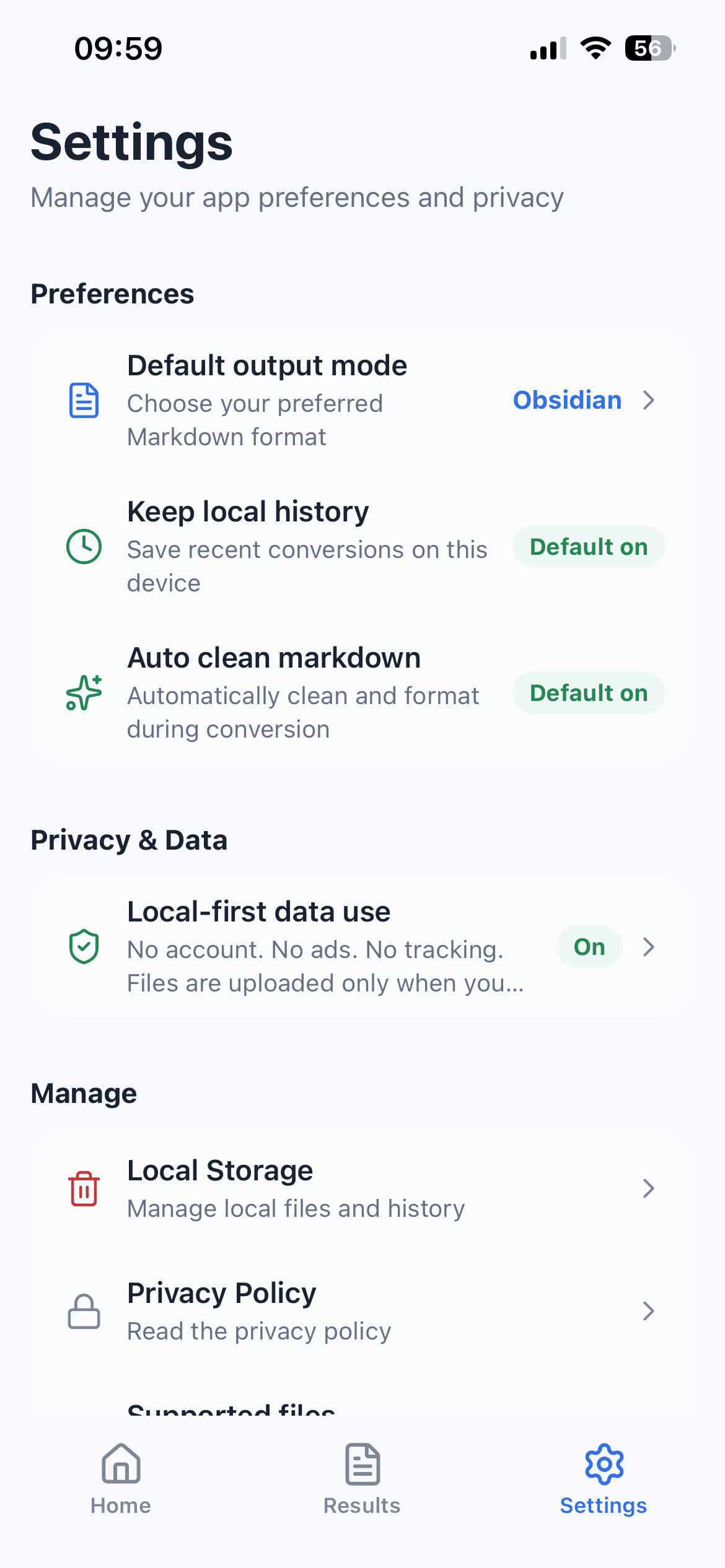
Converted Markdown results and recent conversion history are stored locally on the device unless you copy, save, share, clear, or uninstall the app. CleanMD does not require an account and does not provide a cloud document library.
The current App Store version includes a limited number of successful conversions and an optional CleanMD Plus subscription for unlimited conversions. Apple processes the purchase, while RevenueCat helps load the product and synchronize entitlement status. Filenames and document contents are not part of those subscription counters.
This still does not make conversion fully local. The selected source file leaves the device for parsing after you accept the upload notice. The source-file boundary and the post-conversion storage boundary are different and should be understood separately.
Questions to Ask Before Uploading
- Do I have the right to process this document through a third-party service?
- Does it contain personal, legal, medical, financial, workplace, or confidential information?
- Would a less sensitive excerpt be enough for the task?
- Am I prepared to review OCR and layout errors before relying on the Markdown?
- Where will I store or remove the converted result afterward?
If any answer is unclear, stop before conversion. The upload notice is a decision point, not a formality.
A Practical Rule for Document Privacy
Use CleanMD for everyday, non-sensitive documents where the value of conversion is clear. Avoid uploading documents that you would not be comfortable sending to a document processing service.
For temporary material, clear local history when you no longer need the result. For important converted notes, move the Markdown into the place where you actually manage your writing or research.
This keeps the app in the right role: a focused conversion tool, not a vault for sensitive records.
The Short Version
CleanMD can help turn selected PDFs, scans, screenshots, and document images into Markdown on iPhone. It does not claim conversion is entirely on device.
Use it for everyday documents, preview the Markdown before export, and be cautious with sensitive files. A clear boundary makes the workflow more trustworthy than pretending the boundary does not exist.