How to Use a 15-Minute Remind-Again Step Without Losing Your Dose Log
Use a 15-minute remind-again step while keeping taken and skipped dose records accurate, with clear medical and iPhone notification boundaries.
Try Dose Reminder Lite on iPhone
Set personal medication reminders, use the short remind-again flow when appropriate, and keep local taken or skipped records on iPhone.
A medication reminder can arrive at the correct scheduled time and still catch you in the middle of something. A short remind-again step helps separate “not now” from a completed taken or skipped record.
What the 15-Minute Step Is For
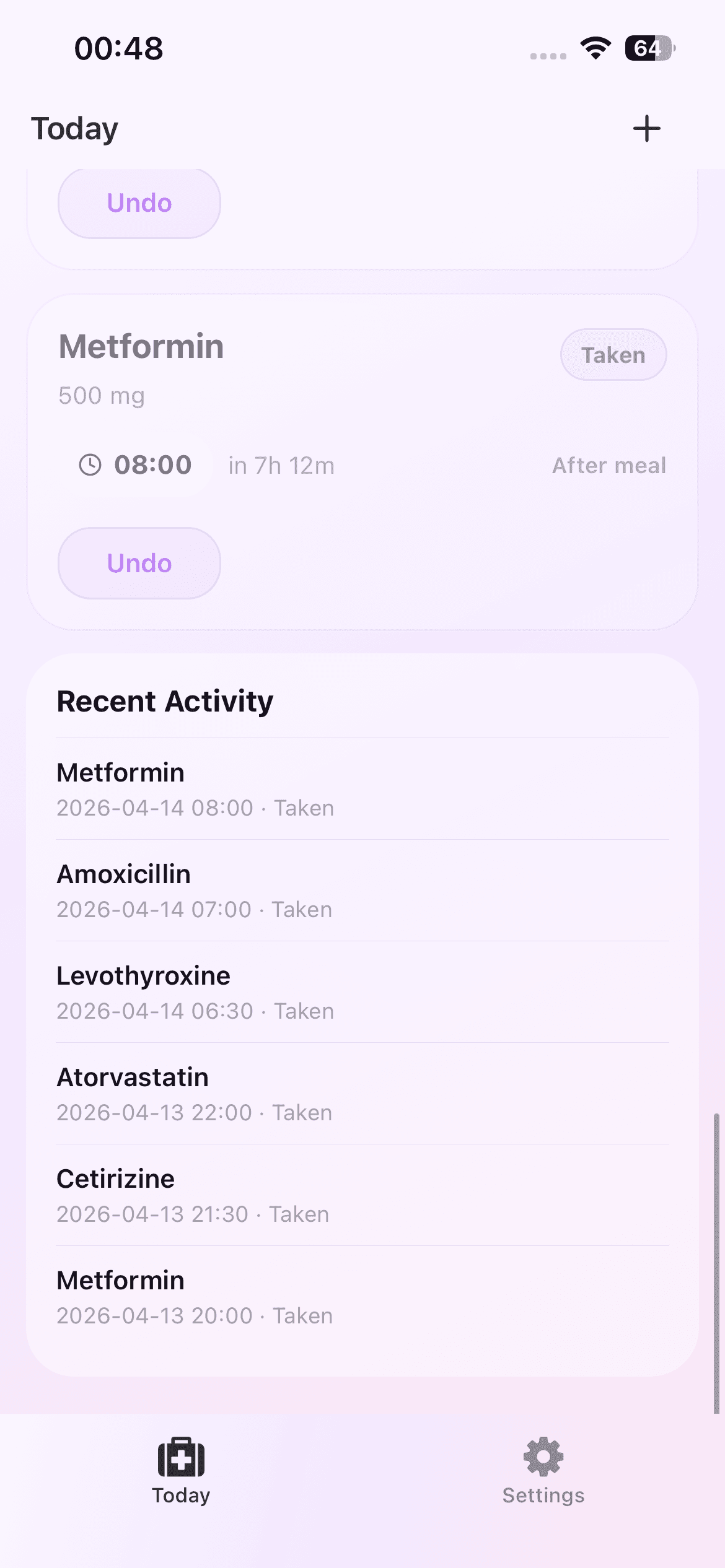
Dose Reminder Lite includes a 15-minute remind-again action in the skip flow. It is a small workflow tool for a moment when you cannot finish the reminder action immediately. It does not decide whether a medication should be delayed, taken, or skipped.
Medication timing should follow the prescription, product label, and instructions from a clinician or pharmacist. If a short delay is not appropriate for a particular medication, do not use a convenience reminder as a substitute for those instructions.
Keep “Later” Separate From “Skipped”
A dose log is easier to understand when each status reflects what actually happened. Marking a dose as skipped just to dismiss an alert can create a record that no longer matches the day. Marking it as taken before taking it creates the opposite problem.
When the product instructions allow a short delay, the remind-again action can preserve that distinction. The later prompt returns your attention to the scheduled item without forcing an inaccurate final status at the first notification.
A Simple iPhone Reminder Routine
Start with the medication entry and one or more daily reminder times. When a reminder appears, use the taken status only after the action is complete. Use skipped when that is the actual outcome. If the moment is temporarily inconvenient and a short delay follows your professional instructions, use the 15-minute option from the skip flow.
When the later prompt appears, record the real result. The goal is not to create a perfect-looking history. It is to keep a useful personal record of taken, skipped, and still-upcoming items.
Review Recent Activity Without Overinterpreting It
Recent activity can help you notice missing or inconsistent entries. It cannot explain why something happened, confirm that a dose was medically correct, or calculate what should happen next.
If a record conflicts with your prescription or you are unsure what to do after a missed or delayed dose, use the medication instructions or contact a pharmacist or clinician. The app does not provide diagnosis, treatment advice, dosage calculation, or interaction checks.
Treat Notifications as Prompts
iPhone notification delivery depends on permission and system conditions, so a medication reminder is not a guaranteed alarm or emergency system. Confirm that notification permission is enabled and that each medication has at least one future reminder time.
For time-critical or high-risk medication needs, follow the backup plan recommended by the appropriate healthcare professional. Do not rely on one consumer notification as the only safeguard.
Keep the Record Private and Current
The current version stores medication reminders and dose records locally on the iPhone, with no account or cloud sync. Review entries while they are still recent, correct the medication schedule when professional instructions change, and remove items that are no longer part of the routine.
That keeps the 15-minute reminder in its proper role: a short attention reset inside a personal logging workflow, not a medical decision.