A Private iPhone Countdown App Without an Account or Cloud Sync
Learn what a local-only iPhone countdown app can and cannot do, including on-device event storage, optional notifications, and manual device boundaries.
Try Date Countdown Lite on iPhone
Create an important date, see the number of days remaining, and optionally schedule a local reminder on your iPhone.
A countdown list does not always need an identity system, shared workspace, or cloud database behind it.
What Local-Only Means Here
In the current version of Date Countdown Lite, event titles, dates, reminder choices, and reminder times are stored locally on the iPhone. The app requires no account, does not provide cloud sync, and does not upload event content to developer-controlled servers.
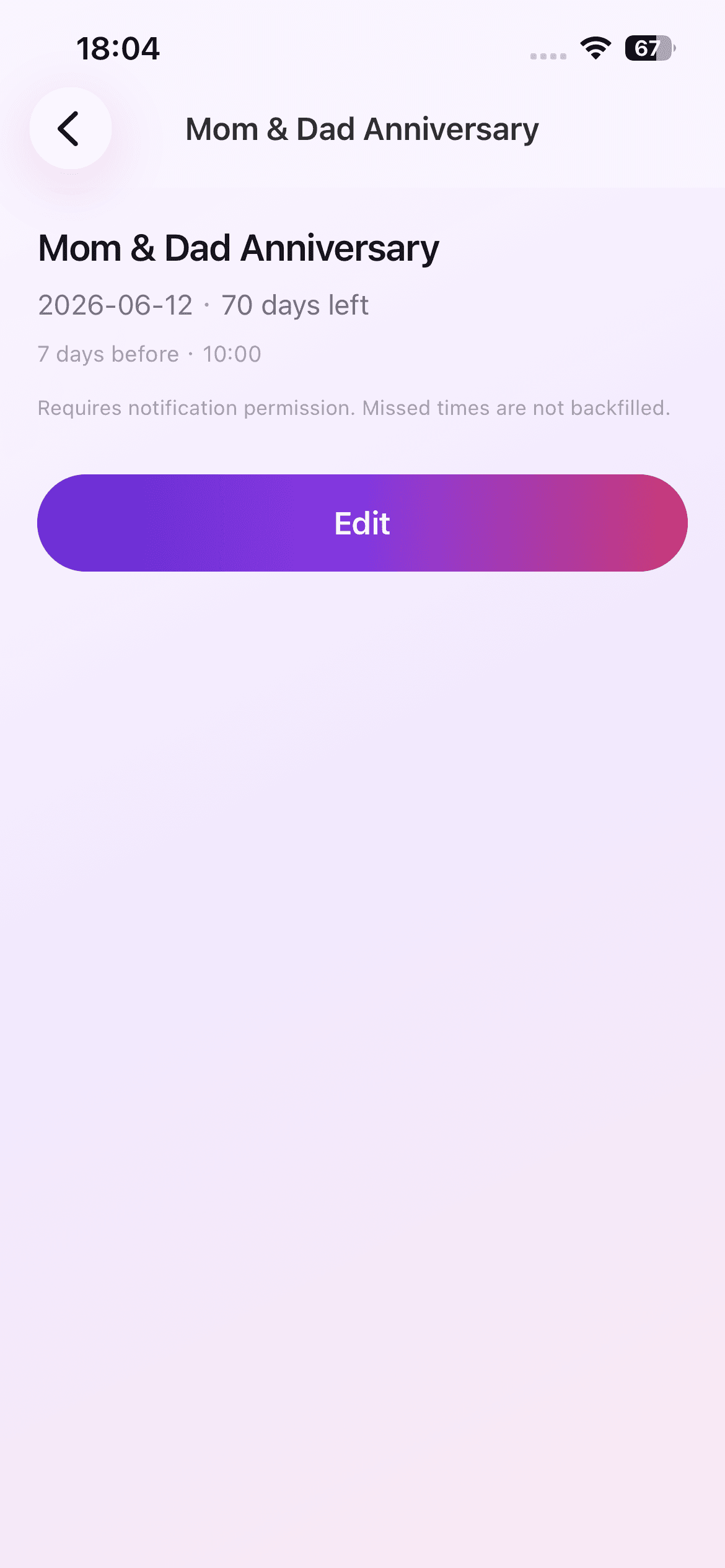
That is a narrow and deliberate boundary. You can open the app and create a countdown without first creating a profile or deciding how to share the data.
The Practical Benefits
A local list is fast to start and easy to understand. There is no login to recover, no shared workspace to configure, and no server dependency for viewing saved countdowns. It suits personal dates that only need to exist on one device.
Optional local notifications also fit this model. Permission is requested when a reminder is needed, and the event itself can still be saved if notifications are disabled.
The Tradeoffs Are Real
No cloud sync means the app is not designed to keep the same list across multiple devices. It also does not create a shared family calendar or a collaborative team deadline system.
If the app is removed, locally stored data may be removed with it. Important dates should still exist in the official place that governs them, such as a school portal, travel itinerary, or team project system.
When This Model Fits
A local countdown app fits when you want a small set of personal dates, a visible days-remaining number, and an optional nudge. It is especially useful when cloud features would add more setup than value.
It fits less well when several people must edit the same data, when cross-device backup is essential, or when a time-specific calendar appointment is the primary need.
A Focused Product Philosophy
The design centers one atomic capability: make an important future date visible as a countdown. Create, review, edit, delete, and optionally remind. Keeping that path small makes the boundary easier to explain and the list easier to maintain.
Privacy is not a claim that reminders can never fail. iPhone settings and system behavior still affect notification delivery. The app should support important plans, not become an emergency guarantee system.
Questions to Ask Before Choosing Local-Only
Will one iPhone be the only place you need the list? Can you recreate the dates if the device changes? Do other people need access? Are exact times, attachments, or recurring rules more important than a simple days-remaining view? These questions reveal whether a focused local utility fits the job.
Choosing fewer features can be a strength when the boundary matches the need. It becomes a weakness when backup, collaboration, or cross-device continuity is essential, so make that tradeoff consciously.