How to Create a Weekly Baby Growth Summary From Words and Food Records
Create a weekly baby growth summary from confirmed word and food records, with examples, careful observations, and one next step.
Try BabyTracker: Words & Food on iPhone
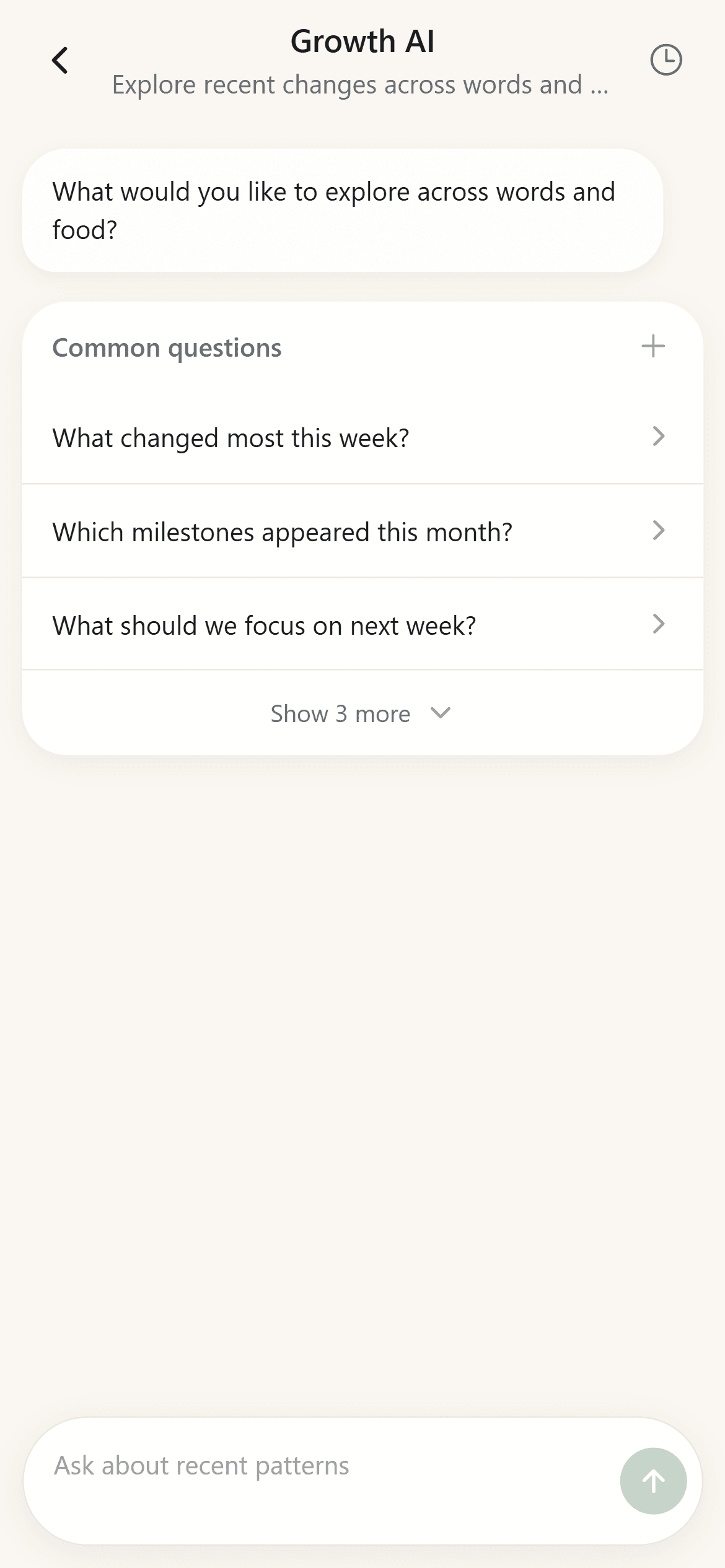
Use Growth AI to organize a weekly review across the word and food records you have confirmed.
Daily baby records are usually small: a new phrase at breakfast, a food that was enjoyed, an expression used during play, or a meal that was refused. A weekly summary can turn those separate moments into something easier to remember without pretending that seven days of notes form a developmental assessment.
The best summary stays close to the source. It names the date window, describes what was recorded, shows a few examples, and leaves room for missing context.
BabyTracker's Growth AI can help organize confirmed language and food records into that kind of review. The parent still decides what is accurate, what matters, and what to try next.
Choose a Clear Seven-Day Window
Start with an exact period rather than "recently." A Monday-to-Sunday window makes it easier to check which records belong in the summary and prevents older entries from being mixed into the current week.
Do not worry if some days contain no records. A family journal is not an attendance sheet. The summary should describe the available evidence rather than treating missing days as a negative result.
Build the Language Section From Examples
A useful language section can answer four questions:
- Which words or expressions were first recorded this week?
- Which existing records changed stage or context?
- Which categories appeared most often?
- Which scenes produced memorable examples?
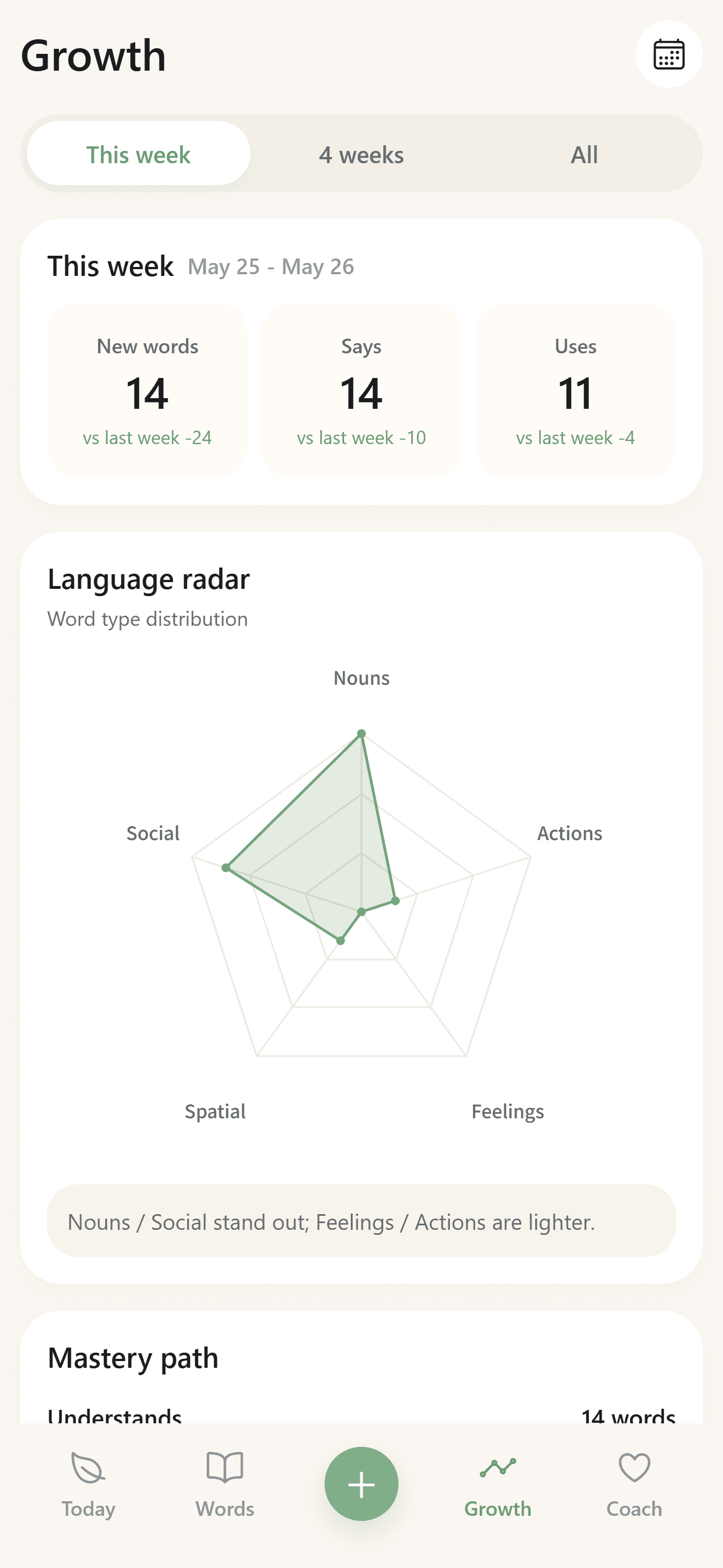
Keep at least two or three examples beside any pattern. "More action expressions were recorded" is easier to understand when the summary also names the expressions and the scenes where they appeared.
Avoid comparing the total with another child or a generic target. The journal describes one family's observations, not a ranking.
Build the Food Section From Confirmed Meals
The food section should use only meals a parent has reviewed and saved. It can summarize:
- New dishes or ingredients recorded during the week.
- Meals with high or low parent-entered response ratings.
- Preparation styles that appeared repeatedly.
- Notes that should be remembered before repeating a dish.
A photo or AI-generated draft does not establish ingredients, portion size, allergens, or nutrition on its own. Those details belong in the summary only after a parent confirms them.
Look Across Words and Food Without Inventing a Cause
A combined weekly review can make family routines easier to see. For example, it may show that several new request words were recorded during meals or that a familiar food scene produced repeated social expressions.
That connection is descriptive. It does not prove that a meal caused a language change or that a language pattern predicts a food preference.
Growth AI can help surface records that share a date or scene, but the parent should decide whether the connection is meaningful or coincidental.
Use a Three-Part Summary
A calm weekly summary can follow this structure:
What Was Recorded
List the new language and food entries, meaningful updates, and a few representative examples.
What Is Worth Noticing
Describe one or two patterns that are visible in the records, using careful language such as "appeared more often in this journal" rather than "is developing faster."
One Optional Next Step
Choose one low-pressure idea for the next week. It might be modeling a useful phrase during a familiar routine, repeating a well-liked dish, or recording one missing detail more consistently.
One specific next step is usually more useful than a long program.
Review and Correct the Draft
Before keeping the summary, check the dates, examples, categories, ratings, and wording. Remove conclusions that go beyond the records. Add context when a rating or phrase would otherwise be misleading.
If the week was unusual because of travel, illness, a schedule change, or incomplete logging, say so. A short context note can prevent a later reader from overinterpreting the numbers.
The Short Version
To create a weekly baby growth summary, use a clear date window, summarize confirmed word and food records separately, add only careful cross-record observations, and finish with one optional next step.
BabyTracker helps organize the evidence and questions. The parent remains responsible for context and review, and the result remains a family observation rather than medical, developmental, nutrition, or allergy advice.