How to Track Subscription Renewals Paid With Virtual or Prepaid Cards
Track subscription renewals paid with virtual or prepaid cards using manual dates, reminders, and non-sensitive notes without connecting card accounts.
Try AI Subscription Planner on iPhone
Record renewal dates and planning amounts manually, then review the official provider and card accounts before a charge.
A virtual or prepaid card can separate subscription spending from a primary card, but it also makes the renewal date and available balance worth checking before a charge is due.
Record the Renewal, Not the Card Number
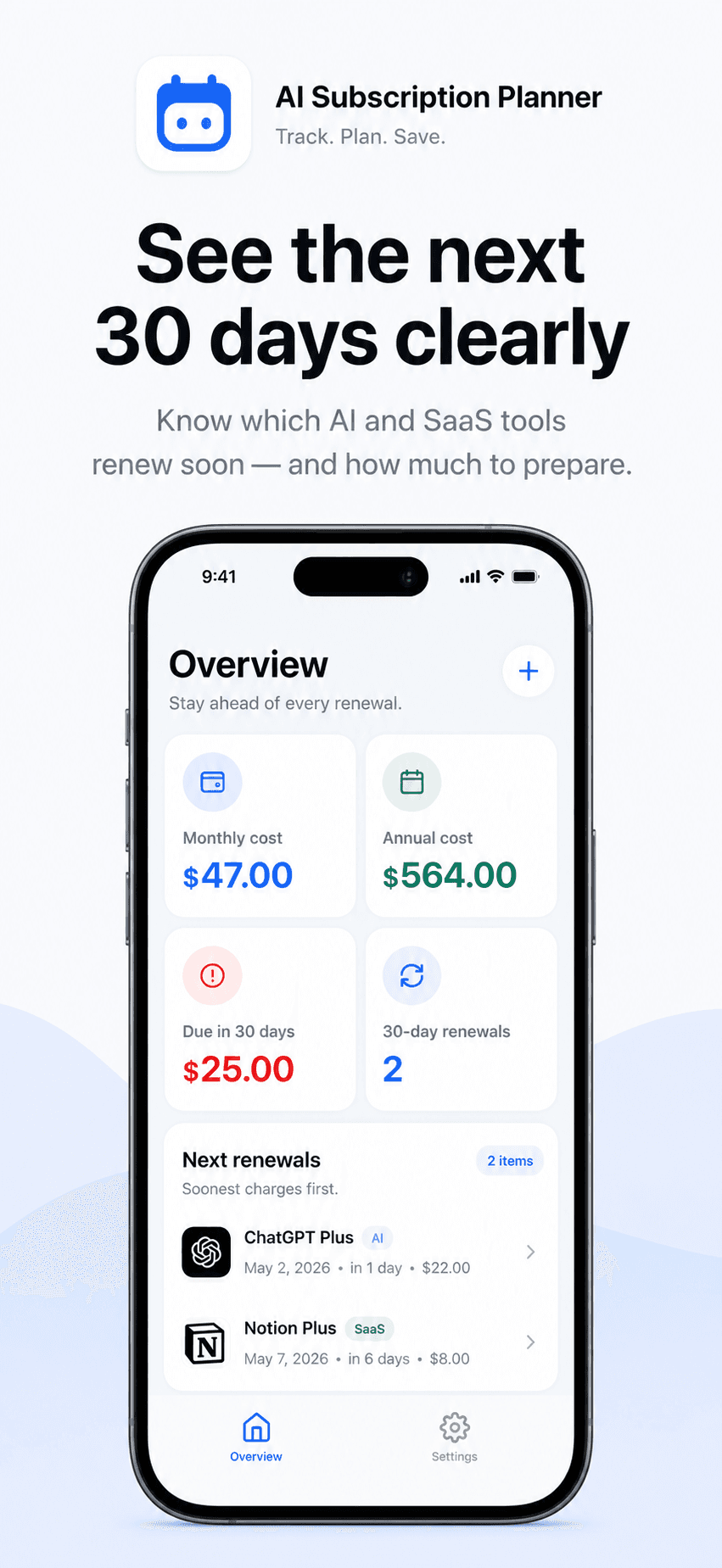
Create a manual item for each AI or SaaS subscription. Record the amount, billing cycle, next renewal date, category, reminder setting, and an optional note. The note can identify the payment method in a non-sensitive way, such as “virtual work card” or “prepaid creator card.”
Do not place a full card number, security code, password, or other credential in the note. AI Subscription Planner does not need those details to organize a renewal date.
Start With the Next 30 Days
Use the upcoming-renewal view to see which manually entered charges are closest. For each one, verify three details against the provider account: the date, the expected amount, and the card that is currently selected.
The planner is not a bank or financial service and does not connect to a card issuer or subscription provider. It cannot read a prepaid balance, detect a declined charge, import a statement, or confirm that a provider will retry payment. Those checks remain in the official card and provider accounts.
When the same virtual card pays for several tools, keep each provider as its own item. That preserves the exact renewal date and expected amount instead of turning the note into an unclear total for the whole card.
Set the Reminder Before the Decision Point
Choose a reminder date that leaves enough time to review the subscription and the payment method. The useful lead time depends on the provider's billing rules and on whether you need to add funds, replace an expiring virtual card, or cancel the service.
A reminder should lead to a concrete check: open the provider account, confirm the plan, review the official amount, and then check the selected card. The app cannot guarantee that a renewal will succeed or prevent every interruption.
Separate Planning Cost From Available Balance
Monthly and annualized totals help compare subscription commitments, but they are planning estimates. They do not represent the live balance on a virtual or prepaid card.
Taxes, discounts, currency conversion, price changes, and provider adjustments may change the final charge. Treat the manually entered amount as a review prompt and verify the actual billing information before moving money or changing a plan.
Update the Record After the Renewal
When a charge succeeds, update the next renewal date. If you cancel or replace a service, edit or remove the item so it no longer appears in the upcoming list. A short recurring review is more reliable than leaving old renewal dates untouched.
AI Subscription Planner stores planner data locally on the iPhone and has no account or cloud sync. It does not receive full payment-card details, connect to banks, or manage provider subscriptions. Its role is narrower: keep manually verified renewal dates and costs visible before the next charge.