How to Track a Free Trial End Date Before It Renews
Track a free trial end date on iPhone by recording the confirmed renewal date, expected price, and reminder without automatic detection or cancellation.
Try AI Subscription Planner on iPhone
Record a verified trial end date and reminder, then complete any cancellation or plan change in the official provider account.
To track a free trial before it renews, record the confirmed trial end date as the next renewal date and set a reminder early enough to review the provider's cancellation terms.
Verify the Trial Terms First
Open the official provider account, receipt, or confirmation email and check the exact trial end date, the price after the trial, and the billing cycle. Do not rely on a general memory such as “about two weeks.” Different providers define trial periods and cancellation cutoffs differently.
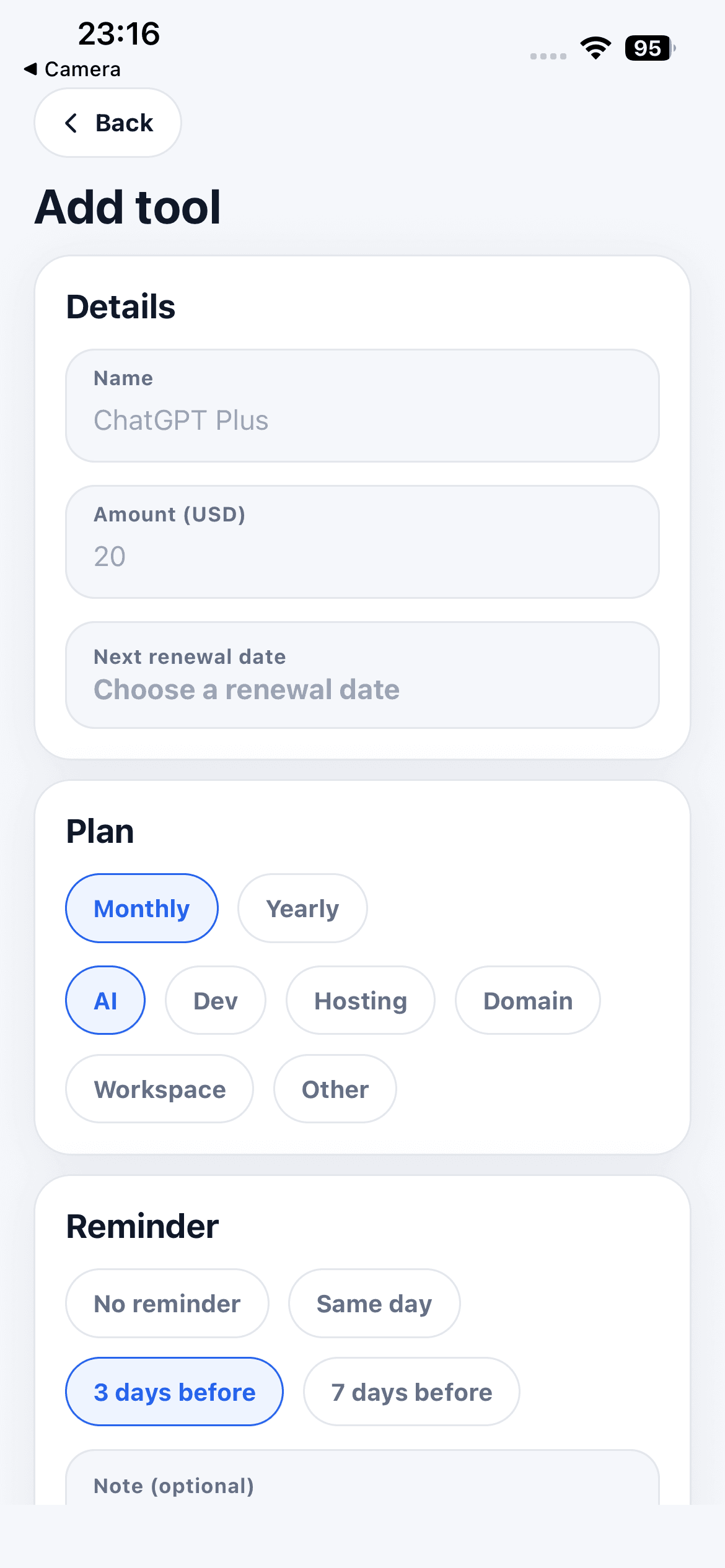
AI Subscription Planner does not scan email, detect trials automatically, or connect to provider billing systems. The record is only as accurate as the details you enter.
Create a Manual Trial Record
Add the service as a subscription item. Use the expected paid amount, choose the monthly or annual cycle that would start after the trial, and set the next renewal date to the confirmed conversion date. Add a short note such as “free trial, review before charge.”
The amount is a planning estimate. Taxes, promotions, currency conversion, and provider price changes can affect the actual charge, so verify the official checkout or account page before making a decision.
Choose a Reminder With Enough Time
Set the reminder before the point when you need to keep, change, or cancel the service. One provider may allow cancellation at any time before renewal, while another may have a specific cutoff or app-store billing process.
The app does not cancel a trial or modify a subscription. When the reminder appears, open the official provider or App Store subscription page and complete the decision there. Keep any confirmation in the system that issued it.
Review Trials in the Next-30-Days List
The next-30-days view gives short trials and nearby renewals a common review queue. Sort by urgency, then check the items with the closest dates first. If a trial ends outside that window, keep the date accurate and return when it moves into the upcoming list.
If several trials cover the same workflow, compare what each one is actually used for before paying for more than one. A useful note names the job the service performs, not just that the trial exists.
Close the Loop After the Decision
If you keep the service, update the next renewal date and confirm the paid amount. If you cancel, remove or update the item so it does not continue to look active. If the provider extends the trial, replace the date with the newly confirmed one.
The current app stores planner records locally on the iPhone and has no account or cloud sync. It is a manual renewal planner, not a cancellation service, bank, or financial account monitor. Used with verified provider details, it gives each trial a visible decision date before a possible charge.