Subscription Spreadsheet vs iPhone Tracker: Which Is Easier to Maintain?
Compare a subscription spreadsheet with a focused iPhone tracker across setup, formulas, reminders, portability, privacy, and long-term maintenance.
Try AI Subscription Planner on iPhone
Manually record AI and SaaS renewals, compare monthly and annual estimates, and see upcoming charges on your iPhone.
The best subscription tracker is not the one with the most fields; it is the one that still reflects reality before the next renewal.
Where a Spreadsheet Is Strong
A spreadsheet is flexible. You can add custom columns, formulas, currencies, teams, owners, invoices, cancellation links, and historical snapshots. It can also work well for collaborative or business reporting.
That flexibility has a maintenance cost. Formulas can break, mobile editing can feel heavy, and reminders usually require a second system or automation.
Where a Focused iPhone Tracker Is Strong
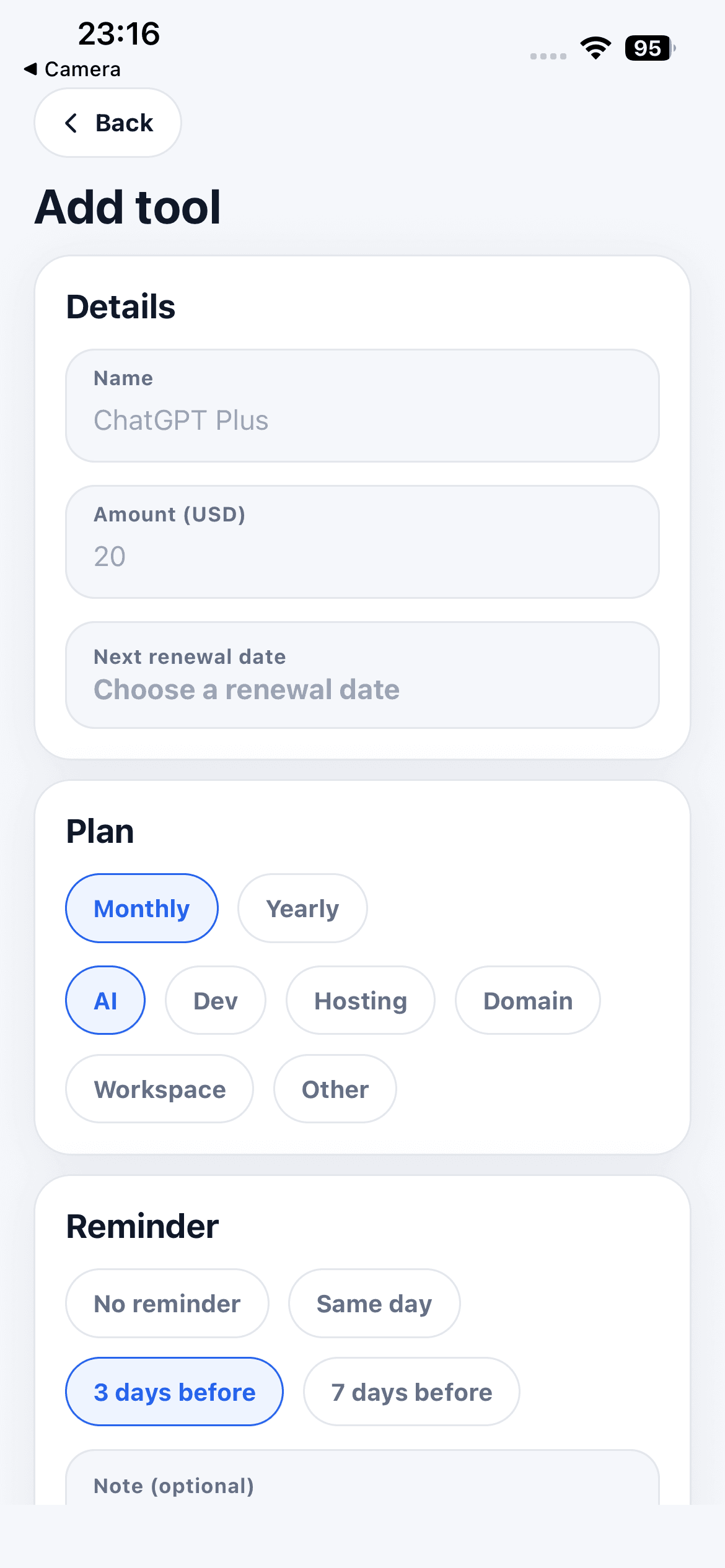
A dedicated tracker can make the common path faster: add a tool, enter an amount and billing cycle, choose the next renewal date, and see upcoming charges. The interface is constrained, which reduces setup decisions.
AI Subscription Planner also provides local reminder options and automatic monthly or annualized estimates based on manual entries.
Compare Portability and Collaboration
A cloud spreadsheet is usually easier to open across devices and share with other people. The current AI Subscription Planner stores planner records locally, has no account, and does not provide cloud sync.
That local boundary can suit an individual tool stack, but it is not a replacement for a team budget, finance workflow, or shared procurement system.
Compare Privacy and Data Access
A spreadsheet's privacy depends on where it is stored and who can access it. The app keeps names, amounts, dates, categories, reminders, and notes on the iPhone and does not connect to banks or scan invoices.
Neither format makes the entered numbers authoritative. You still need to verify prices, taxes, exchange rates, and vendor terms at the source.
Choose the Tool You Will Update
Use a spreadsheet when custom analysis, collaboration, or history is essential. Use a focused app when quick personal entry, a 30-day view, and local reminders are more important than flexible reporting.
A hybrid can also work: keep the iPhone list for near-term awareness and a spreadsheet for periodic business reporting. Avoid duplicate systems unless each has a clear role and update routine.
A Maintenance Test
Try the chosen system for one billing cycle and measure the friction. How long does a new entry take? Can you see the next charge without searching? Do reminders arrive early enough? Can you correct a price or date without breaking the structure? The answers are more useful than a theoretical feature comparison.
If maintenance repeatedly fails, simplify the fields or switch formats. The goal is a current decision aid, not a perfectly designed database that nobody updates.