A Local Subscription Planner Without Bank Access or Cloud Sync
Understand how a manual local subscription planner works without bank access or cloud sync, including privacy benefits, accuracy tradeoffs, and Pro limits.
Try AI Subscription Planner on iPhone
Manually record AI and SaaS renewals, compare monthly and annual estimates, and see upcoming charges on your iPhone.
Automatic finance apps can reduce data entry, but they also require access and complexity that a small personal tool list may not need.
What the App Does Not Connect To
AI Subscription Planner does not connect to banks, import card statements, scan invoices, read email receipts, or create a cloud account. Names, amounts, billing cycles, renewal dates, categories, reminders, and notes are entered manually.
The result is a planning list, not an automatically reconciled financial record.
The Privacy Benefit
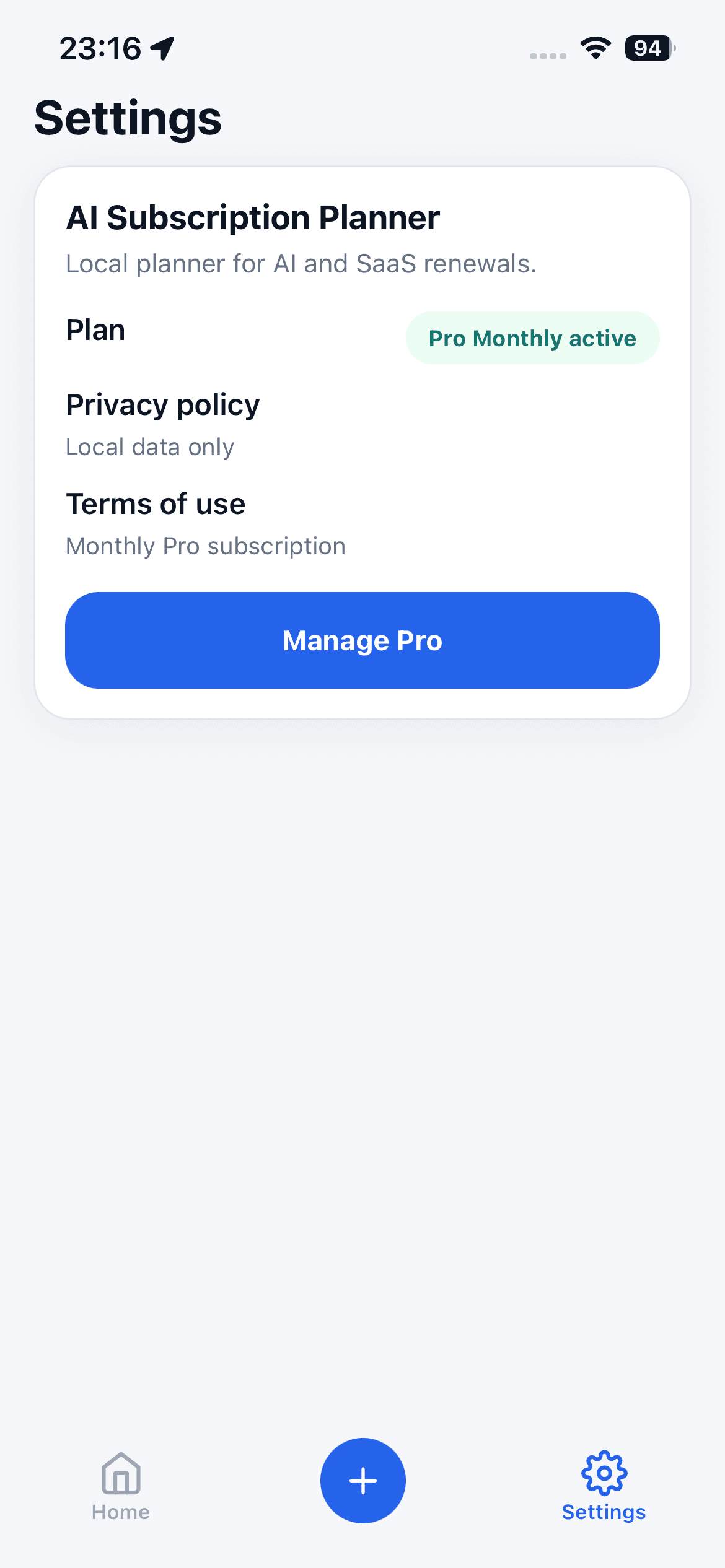
Planner records stay on the iPhone in the current version and are not uploaded to developer-controlled servers. There is no account or cloud sync for the tool list.
Apple In-App Purchase handles Pro billing, and RevenueCat helps manage entitlement status and restoration. Those purchase services are separate from the locally stored planner content.
The Accuracy Tradeoff
Manual entry means the app cannot detect a price change, cancellation, failed payment, or changed renewal date by itself. The dashboard is only as current as the records you maintain.
Review vendor billing pages or App Store subscription settings, then update the local item when something changes.
Who This Product Model Fits
It fits an individual who wants quick renewal awareness for a manageable AI and SaaS stack without granting bank access. It also fits users who prefer to choose exactly which tools appear in the planner.
It fits less well for shared team budgets, automated bookkeeping, multi-device synchronization, tax records, or real-time currency conversion.
Free and Pro Boundaries
The free plan supports up to three subscription items. Pro Monthly unlocks unlimited items and can be restored with the same Apple ID through the in-app purchase flow. Pro does not add bank access or cloud sync.
Use all cost summaries as personal estimates, not financial, tax, or accounting advice. Verify real charges and cancellation terms with the vendor before making decisions.
A Manual-Planning Checklist
Verify each item at the vendor, enter only the fields needed for renewal awareness, choose a reminder with enough decision time, and review the list after every cancellation, price change, or renewal. Keep sensitive payment details out of free-form notes because the app is not a password manager or financial vault.
Manual planning trades automation for control and a smaller data surface. That trade is useful only when the user accepts responsibility for keeping the local records current.