A Voice Note Workflow for AI Coding Tools
Turn a spoken product idea into an editable brief for Codex, Cursor, or Claude Code with clear scope, evidence, constraints, and acceptance checks.
App Store review update in progress
FlashBrief is updating its review build and privacy disclosures before resubmission. No public App Store listing is available yet. Product details, guides, support, and privacy information remain available here during review.
A useful voice note workflow for AI coding tools does more than transcribe speech. It turns a spoken product idea into a brief that Codex, Cursor, or Claude Code can inspect without hiding decisions that still belong to you.
**Release status:** This guide describes interface options in the internal TestFlight build `1.0.0 (5)`. FlashBrief has no public App Store listing, final App Review submission is not complete, and final device acceptance for Quick, Standard, and Deep remains pending.
Say the Problem Before the Solution
Start by describing what is happening now. Name the affected user, screen, workflow, or file if you know it. Then explain what should be different and why the change matters. This order gives an AI coding tool context before implementation preferences.
For example, “make onboarding better” is difficult to act on. A stronger voice capture explains that new users reach the permissions screen before they understand why microphone access is needed, and that the intended outcome is a shorter explanation before the system prompt appears.
If you already have a technical idea, state it as a proposal rather than a fact. That leaves room for the coding tool to inspect the repository and identify a smaller or safer implementation.
Capture Constraints and Evidence Separately
Use another segment for constraints such as the target platform, existing design rules, privacy boundaries, files that must not change, or tests that must remain green. A third segment can contain evidence: an error message, a reproduction sequence, a screenshot description, or the name of a related component.
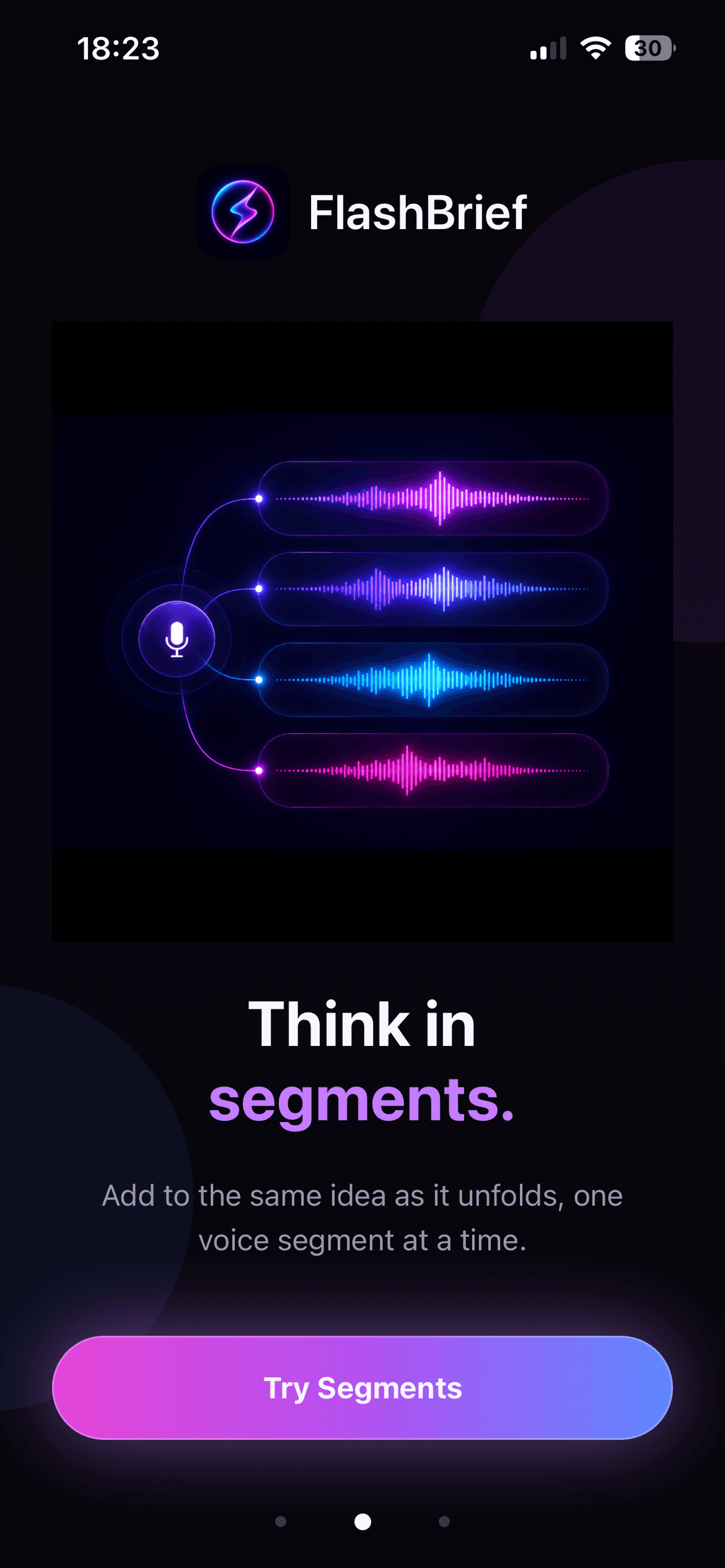
Segmented voice capture makes later review easier because the original problem, constraints, and evidence remain distinguishable. It also reduces the temptation to create several incomplete notes for the same task.
Choose an Idea Note or Dev Task Packet
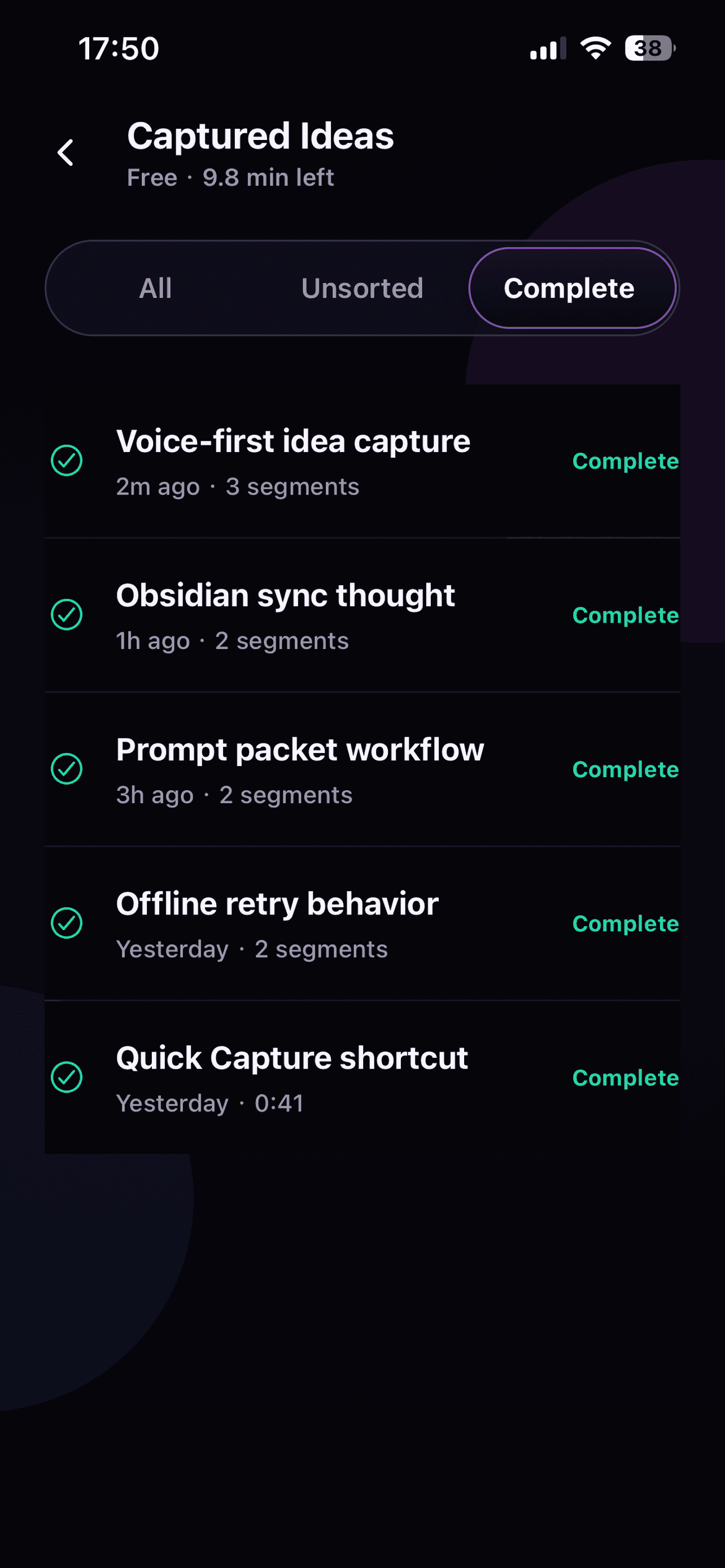
An Idea Note is appropriate when the thought is still exploratory. It should preserve the opportunity, intended user value, important context, and unanswered questions without pretending the implementation has been decided.
A Dev Task Packet is better when the job is ready to hand off. A practical packet includes:
- Goal and current behavior.
- Target scope and explicit non-goals.
- Requirements and known constraints.
- Evidence or reproduction steps.
- Acceptance checks that can be observed.
- Questions that require repository inspection or a user decision.
FlashBrief can organize a selected transcript into Quick, Standard, or Deep results. Compare the output with the recording and choose the level that fits the maturity of the task. More detail is not automatically better if it adds assumptions you never said.
Review Before Pasting Into Codex or Cursor
Edit names, paths, numbers, and negative requirements before copying the Markdown. Speech recognition can misunderstand technical vocabulary, and AI structuring can infer connections that were not present in the source.
Then paste the final brief into the coding environment together with access to the real repository. Ask the coding tool to inspect current source, confirm the target root, and report conflicts before changing files. The voice brief provides intent; the repository remains the source of truth for implementation.
FlashBrief is not an automatic coding agent and does not run commands, modify a repository, or verify a release. It prepares editable input for the next tool. Build, test, review, deployment, and production verification still belong to the development workflow.
Close the Loop With Acceptance Evidence
When the coding work finishes, compare the outcome with the acceptance checks in the packet. A good check is concrete: a specific screen displays the expected state, an invalid input produces the intended message, or a build completes without the previous error.
If the implementation exposes a missing requirement, append a new voice segment to the saved idea instead of rewriting history. That gives you a traceable progression from the first spoken observation to the verified result.
Keep Prompts Focused and Reusable
The strongest handoff is not the longest prompt. It is a compact Markdown brief with a clear goal, bounded scope, supporting evidence, and visible uncertainties. This format is easier for AI coding tools to reason about and easier for a human to audit before any code changes begin.