How to Turn Voice Ideas Into Markdown on iPhone
Turn voice ideas into editable Markdown on iPhone with segmented capture, transcript review, structured notes, and a controlled copy workflow.
App Store review update in progress
FlashBrief is updating its review build and privacy disclosures before resubmission. No public App Store listing is available yet. Product details, guides, support, and privacy information remain available here during review.
Turning voice ideas into Markdown on iPhone works best as a reviewable workflow: capture the thought quickly, preserve the original recording, check the transcript, choose a useful structure, and copy only the version you are ready to use.
**Release status:** This guide describes the internal TestFlight build `1.0.0 (5)`. FlashBrief does not yet have a public App Store listing, and final device acceptance for the Quick, Standard, and Deep result modes is still pending. The modes below are pre-release interface options, not proof of a completed public release.
Start With One Clear Idea
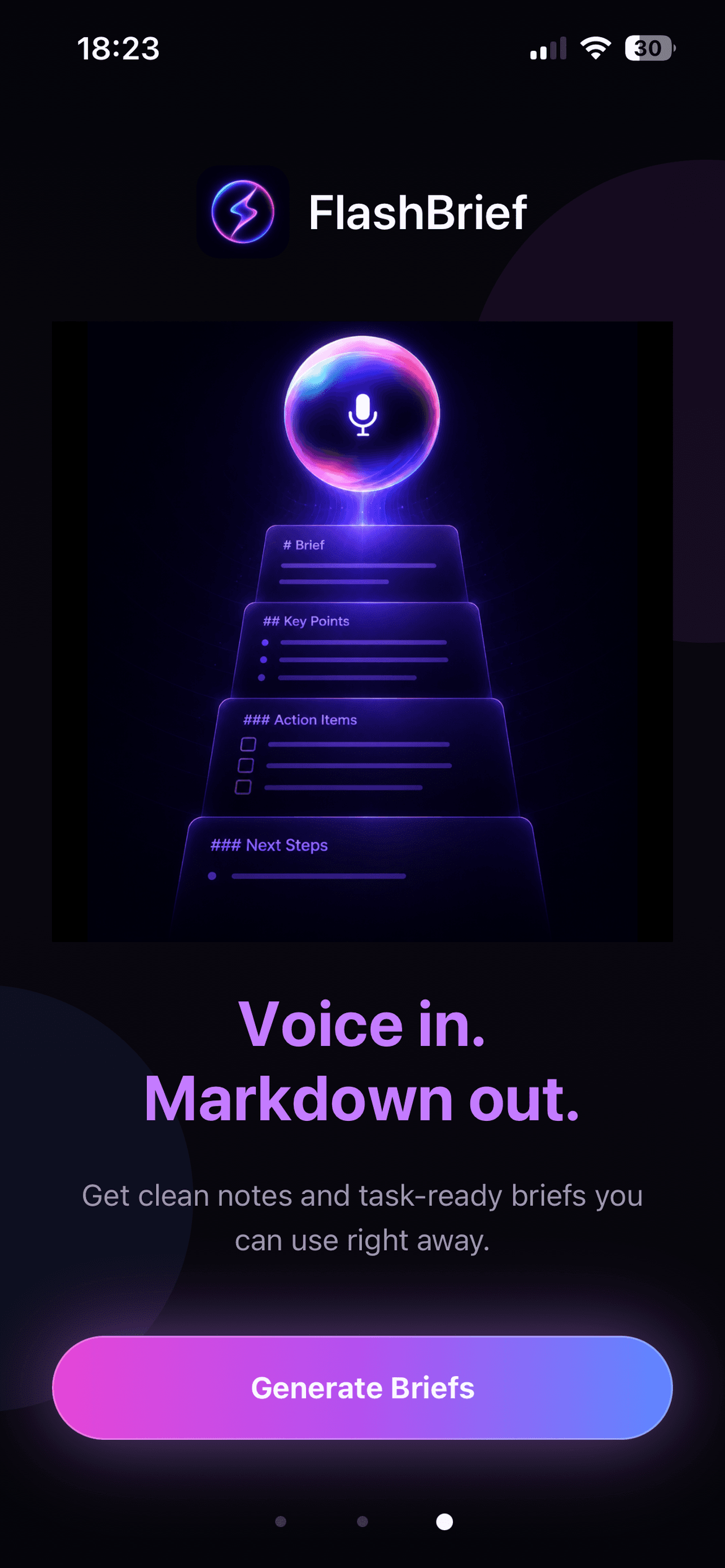
A voice note is easiest to organize when it has one main job. It might describe a product improvement, a bug you noticed, a draft message, a research question, or a next step for a personal project. Say the situation first, then the desired outcome, constraints, and any evidence you already have.
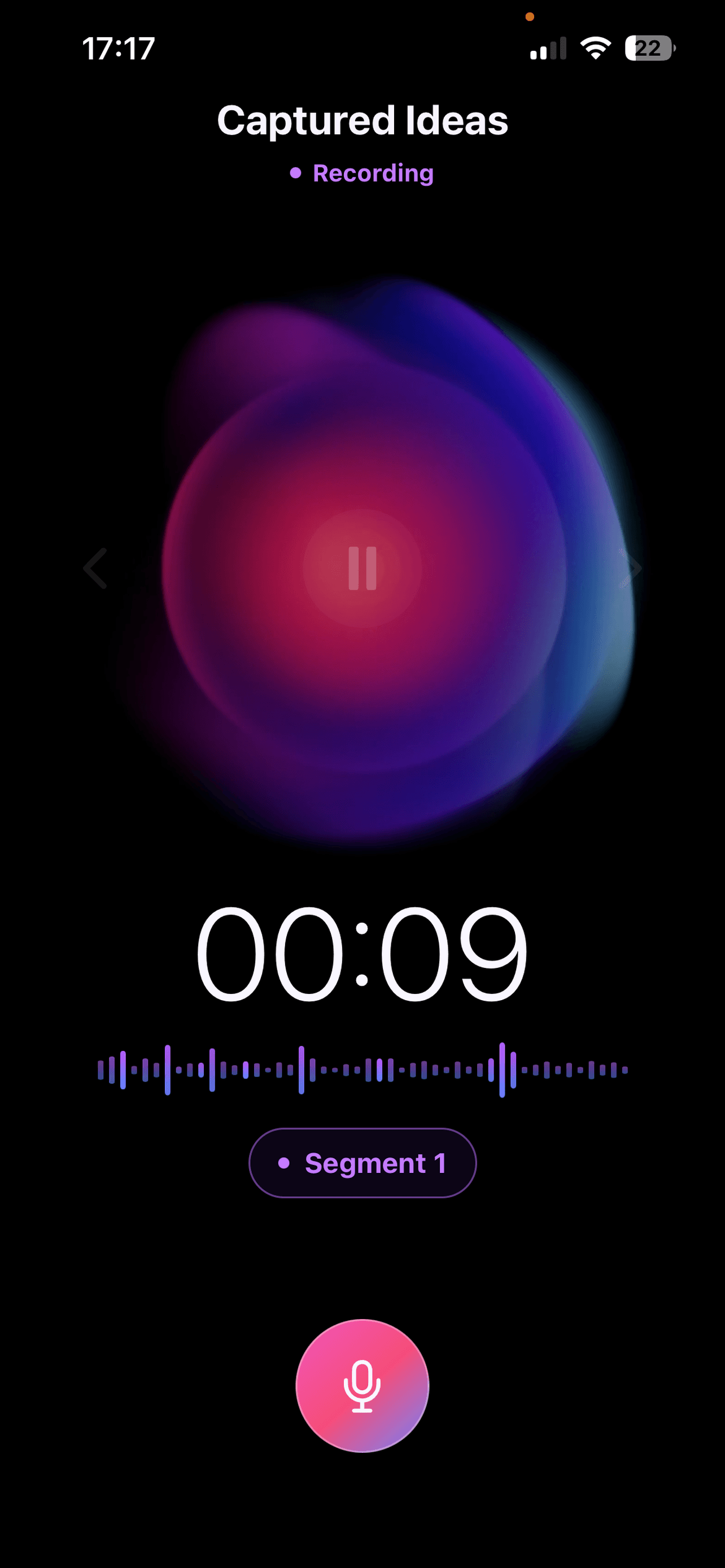
You do not need to sound polished. The goal of the first recording is to preserve meaning before the idea fades. If the thought grows while you speak, FlashBrief can keep multiple voice segments under the same saved idea instead of forcing you to restart a single long recording.
Add Context in Separate Segments
Segments help separate the first thought from later corrections. A practical sequence is:
- Record the core idea and why it matters.
- Add examples, constraints, or affected screens in a second segment.
- Add a final segment with the next action or open questions.
This structure is especially useful when an idea returns later in the day. You can append context to the existing item in the voice inbox rather than creating several disconnected recordings with similar names.
Review the Transcript Before Structuring It
Voice-to-text is not a perfect copy of speech. Product names, technical terms, accents, and background noise can produce errors. Read the editable transcript while the original recording is still available, then correct any word that would change the meaning.
This review step matters more than visual formatting. A beautifully structured note based on an incorrect transcript is still incorrect. FlashBrief stores captured ideas and recordings on the iPhone in the current version. Selected audio leaves the device only when you explicitly request transcription or AI processing.
Choose the Right Level of Structure
Not every voice idea needs the same output. A short reminder may only need a concise Idea Note. A product change may benefit from a Dev Task Packet that separates the goal, context, requirements, constraints, acceptance checks, and unresolved questions.
FlashBrief provides Quick, Standard, and Deep interpretation options. Treat them as alternative levels of organization, not as measures of truth. Quick is useful when the recording is already focused. Standard can make relationships easier to scan. Deep can surface more assumptions and questions, but it still requires review against the transcript.
Copy Clean Markdown Into the Next Tool
After reviewing the structured result, copy the Markdown into the destination where work will continue. That could be a project note, issue tracker, Codex prompt, Cursor task, Claude Code brief, or a plain Markdown file.
Before sending it onward, check four things:
- The goal is stated in one sentence.
- Requirements and constraints are not mixed together.
- Guesses are marked as questions instead of facts.
- Acceptance checks describe an observable result.
FlashBrief does not automatically execute the task or guarantee that an AI coding tool will interpret every detail correctly. Its job is to help you move from an unstructured voice capture to editable, task-ready Markdown while keeping you in control of the final wording.
Keep the Original as a Reference
Do not delete the recording immediately after copying the result. The original voice note is useful when a transcript loses tone or a structured version removes a detail that later becomes important. Once the work is complete, you can decide whether to keep or delete the local idea from the app.
This capture, review, structure, and copy loop is more dependable than asking a transcription tool to silently turn speech into an instruction. It preserves speed at the beginning and judgment at the end.